



- 5.0 on Clutch
- 250+Platform Migrations
- Since 2015On Shopify
Helping Brands Build What's Next on Shopify Plus
Every migration brings unique challenges, from complex catalogs to connected systems and evolving customer needs. Explore how ITGeeks helps brands build, optimize, and scale their commerce experiences on Shopify Plus.



(Why migrate)
Why Migrate from Adobe Commerce to Shopify Plus?
Adobe Commerce offers flexibility but can bring growing infrastructure, development, and operational demands. Shopify Plus simplifies commerce with managed infrastructure, a unified platform, and a scalable ecosystem, reducing technical friction so your team can focus on customers and growth.

Simplify Commerce Operations and Costs
Adobe Commerce’s customizations, extensions, and infrastructure add maintenance costs. Shopify Plus reduces infrastructure overhead, helping businesses streamline operations, eliminate unnecessary dependencies, and optimize technology spending.
Accelerate Innovation and Launches
Empower Teams to Manage Commerce
Scale with Less Infrastructure Overhead
Unify Commerce Across Channels
(What it involves)
What Does an Adobe Commerce to Shopify Plus Migration Involve?
Moving from Adobe Commerce to Shopify Plus requires a clear understanding of your existing commerce architecture, business logic, integrations, and customer journeys.
01 / 06
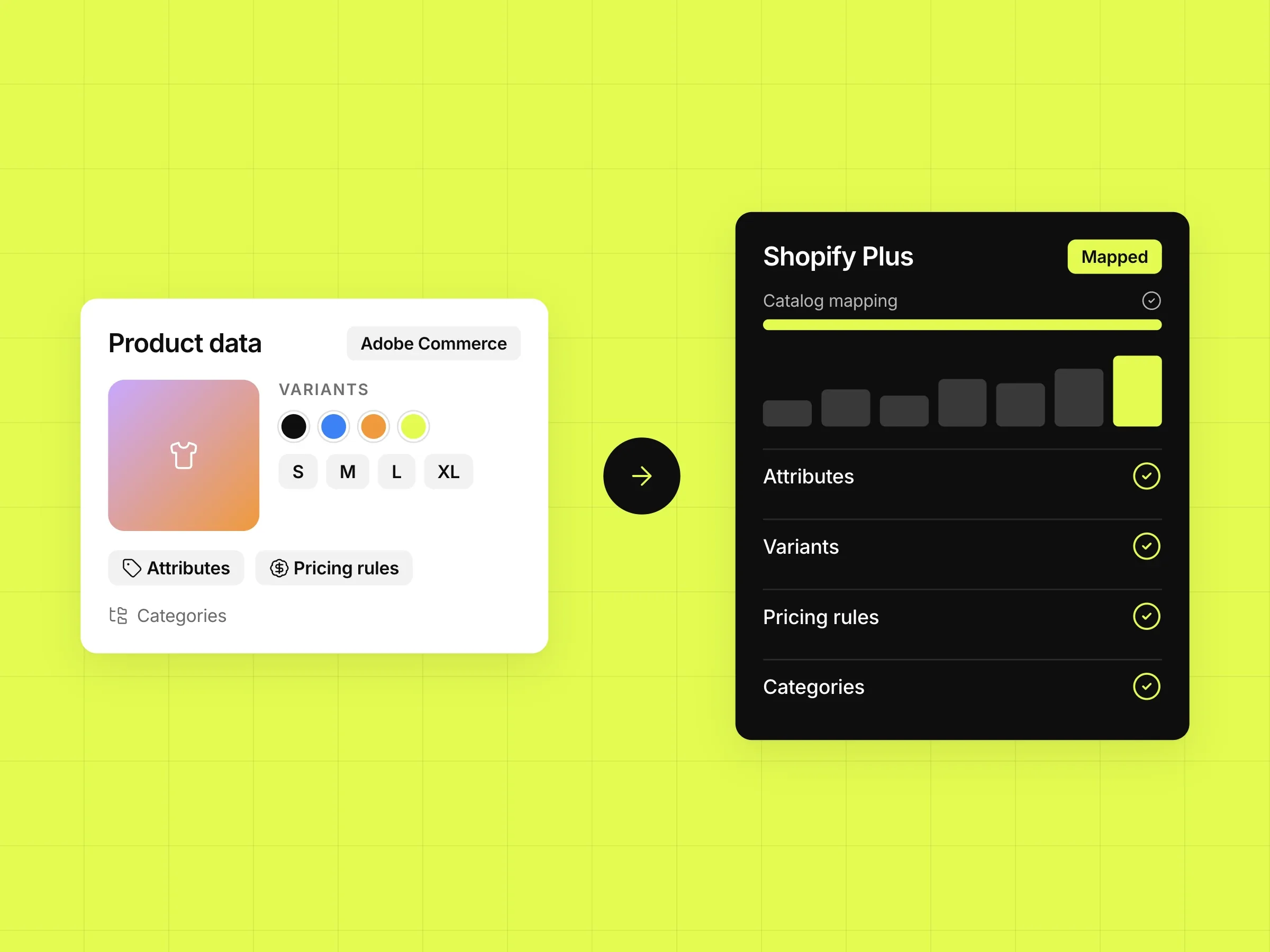
Product Catalogs, Attributes, and Variants
We map product data, attributes, variants, pricing rules, and categories to Shopify Plus, ensuring product accuracy and usability.
02 / 06
Customer Accounts and Order History
We plan the migration of supported customer records and order history, accounting for data mapping, platform limitations, and account access.

03 / 06
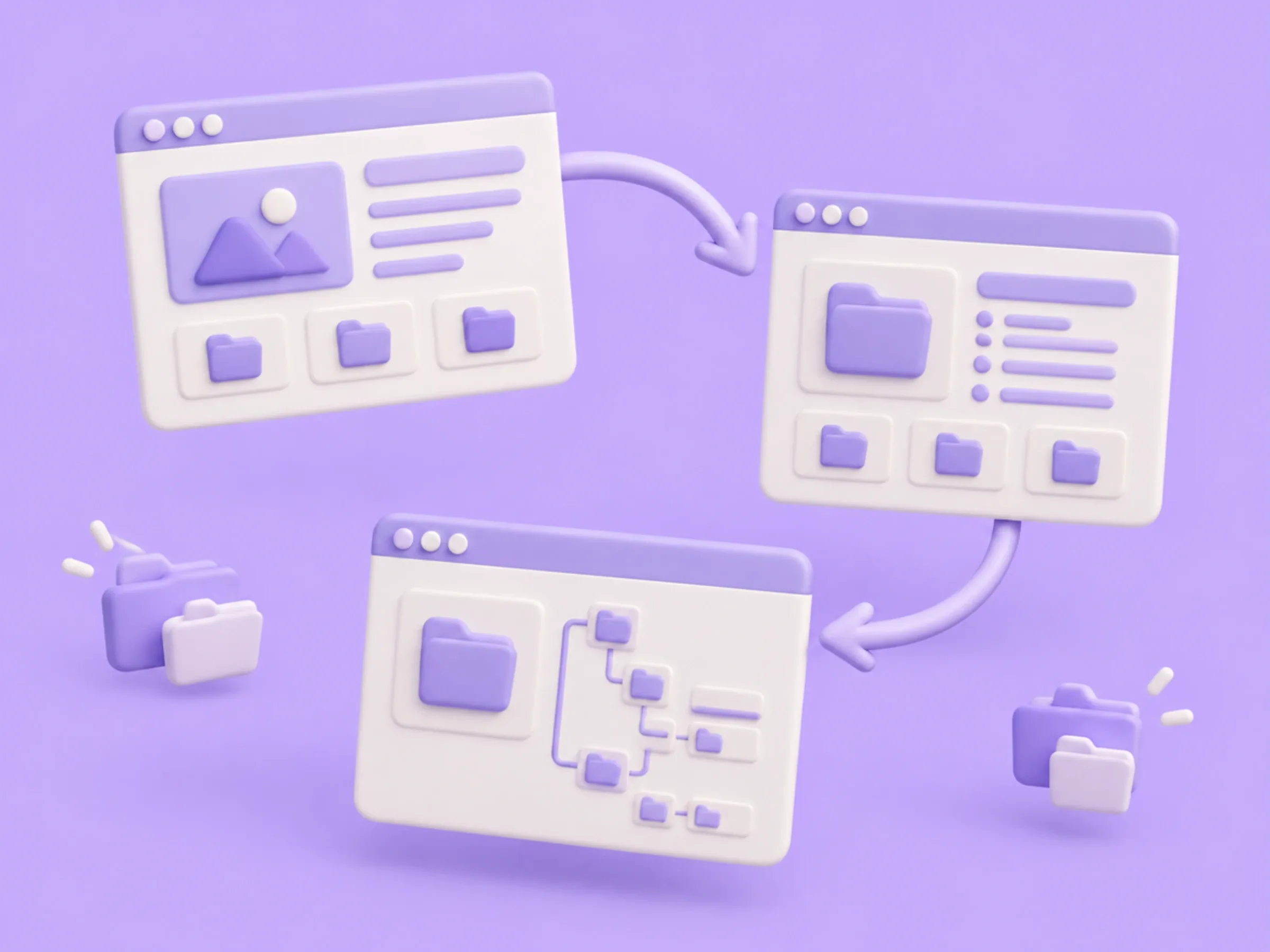
Content, Categories, and URL Structures
We migrate relevant content and category structures, mapping URL changes and redirects to preserve links and organic search visibility.
04 / 06
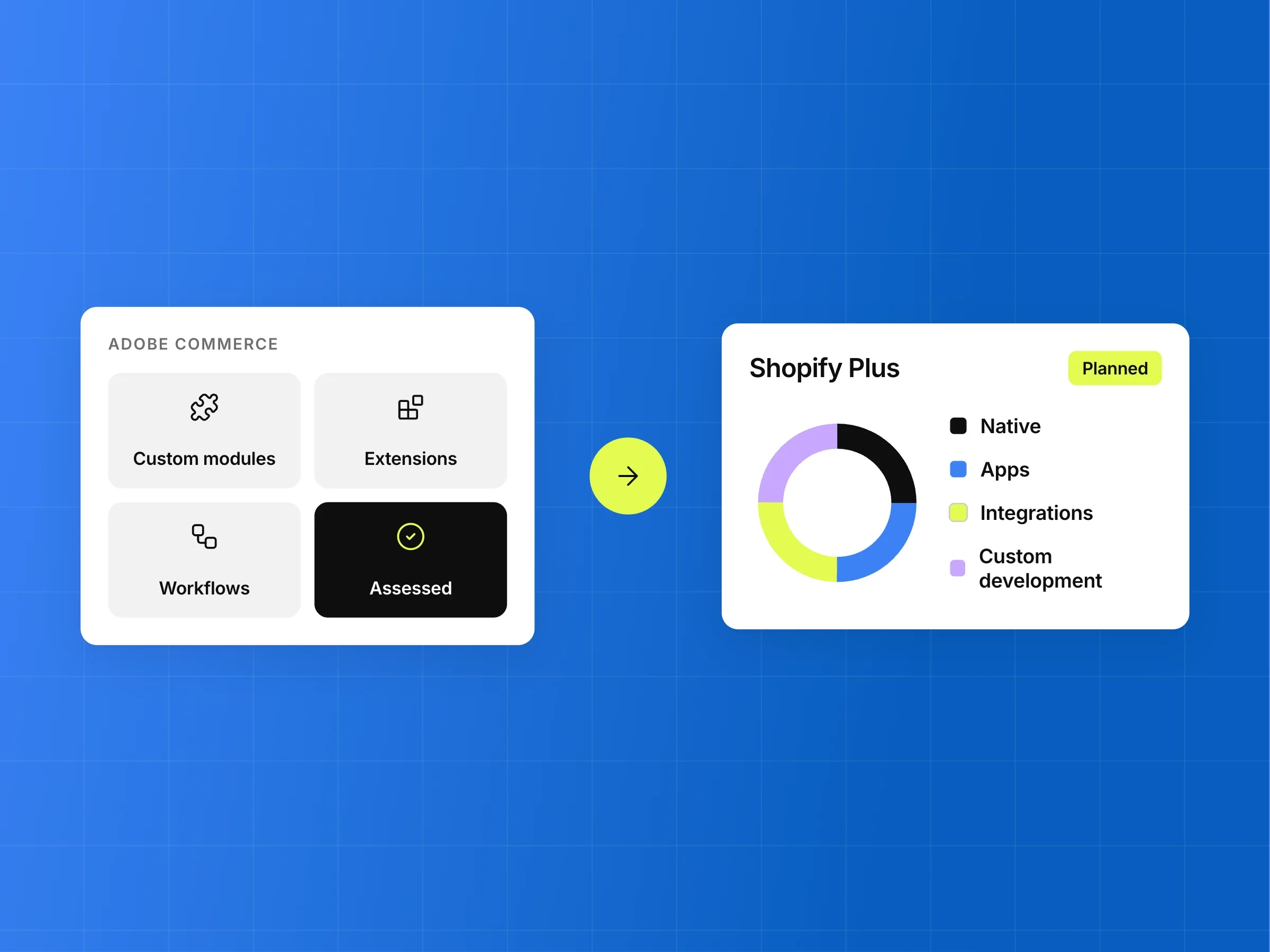
Custom Functionality and Business Logic
We assess custom modules, extensions, and workflows to determine what Shopify Plus supports natively, through apps, integrations, or custom development, without carrying unnecessary complexity.
05 / 06
Third-Party Systems and Integrations
We map ERP, CRM, PIM, OMS, payment, and fulfillment integrations, ensuring data flows and workflows function reliably after migration.

06 / 06
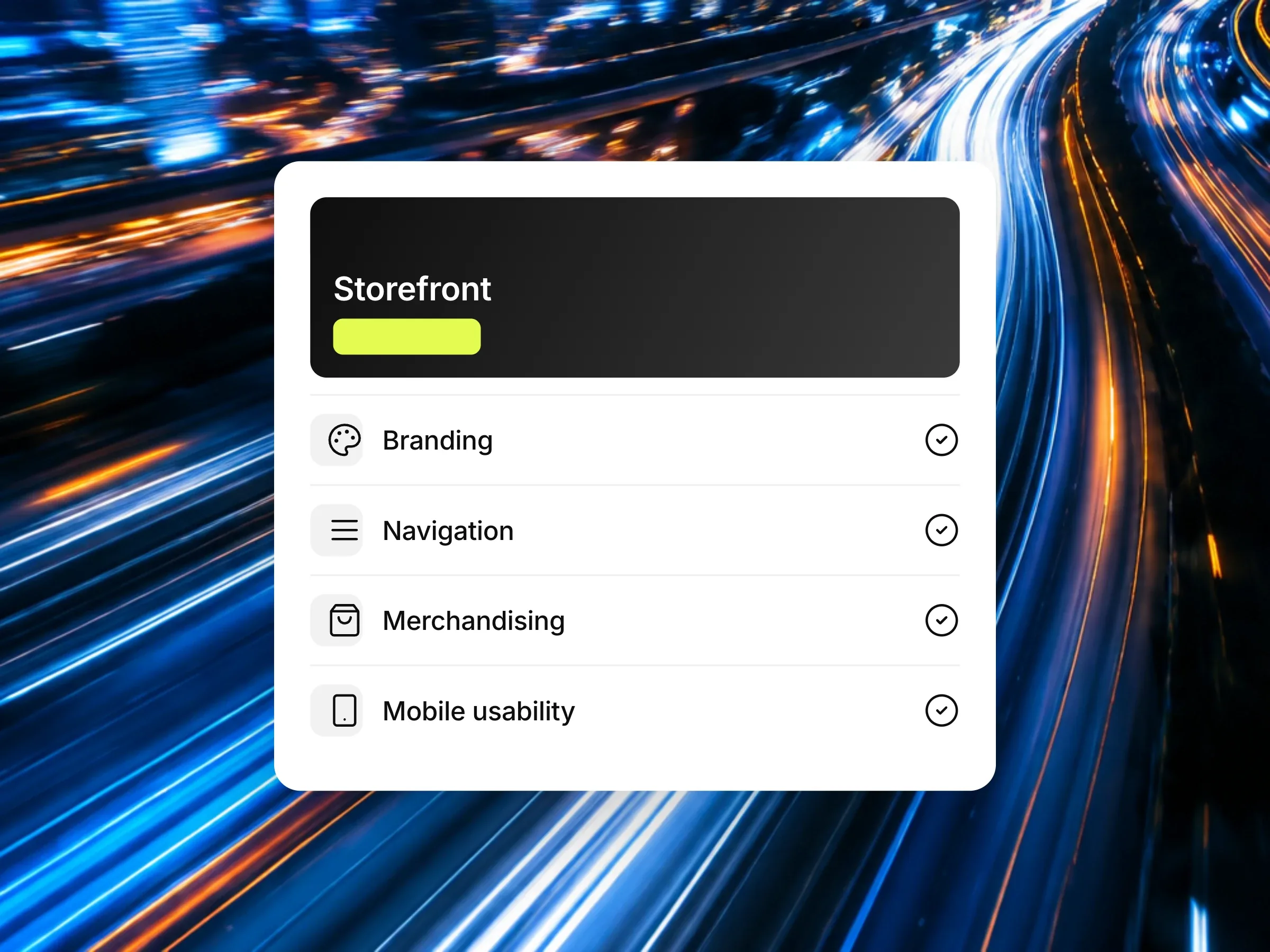
Storefront Design and Customer Experience
We plan your storefront transition around branding, navigation, merchandising, mobile usability, and conversion goals to deliver a seamless customer experience.
(Customizations)
Rebuilding Adobe Commerce Customizations on Shopify Plus
Adobe Commerce migrations require rethinking custom modules, extensions, and integrations for Shopify Plus. ITGeeks evaluates your business needs and technical dependencies to preserve critical functionality while reducing complexity.

Assessing Adobe Commerce Extensions and Custom Modules

Recreating Business-Critical Workflows

Integrating ERP, CRM, PIM, OMS, and Fulfillment Systems

Deciding What to Rebuild, Replace, or Simplify
Protect SEO During Adobe Commerce to Shopify Plus Migration
ITGeeks plans URL redirects, content mapping, and site structure changes to preserve search equity during your Shopify Plus migration.
Mapping URLs and Implementing Redirects
We map existing URLs to relevant Shopify Plus destinations and implement permanent redirects for changed URLs, prioritizing key product, category, and content pages.
Preserving Metadata, Canonicals, and Indexable Content
We review titles, meta descriptions, canonical tags, and indexable content to preserve essential SEO signals and ensure correct implementation on Shopify Plus.
Migrating Product and Category Page Structures
We map product catalogs, categories, collections, and landing pages to maintain logical navigation, useful search landing pages, and site structure.
Reviewing Internal Links, Structured Data, and XML Sitemaps
We validate internal links, structured data, and XML sitemaps to identify broken references and ensure important pages remain discoverable and indexable.
Monitoring Organic Performance After Launch
We monitor indexing, redirects, crawl issues, key landing pages, and organic performance after launch to identify and resolve migration-related SEO issues.





Adobe Commerce vs. Shopify Plus
Adobe Commerce offers greater control over infrastructure, while Shopify Plus provides managed hosting and a flexible ecosystem of apps and APIs. The right platform depends on your business needs, technical requirements, and long-term growth goals.
Why Choose ITGeeks for Your Adobe Commerce to Shopify Plus Migration?
We Start With Your Business Model, Not Just Your Platform
We align your Shopify Plus migration with your business goals, workflows, sales channels, and operational needs.
We Account for Your Data, Workflows, and Integrations
We assess technical dependencies to determine what to migrate, rebuild, replace, or simplify.
We Plan for SEO and Customer Experience Before Launch
We protect search visibility, navigation, and customer journeys through migration planning and post-launch validation.
We Build for Your Next Stage of Commerce
We design scalable Shopify Plus implementations that support future growth, integrations, and evolving customer needs.
 Get a quoteTalk to the team
Ready to Move from AdobeCommerce to Shopify Plus?
Make your move to Shopify Plus simpler, more scalable, and growth-focused. Talk to ITGeeks about your migration needs, workflows, and integrations to plan the right approach for your business.
Talk to Our Migration ExpertsFrequently Asked Questions
 Still wondering?Talk to an expert
How much does an Adobe Commerce to Shopify Plus migration cost?
Migration costs depend on catalog size, data complexity, custom functionality, integrations, storefront requirements, and SEO scope. A discovery assessment helps define the budget.
How long does an Adobe Commerce migration take?
Timelines depend on store complexity, data volume, integrations, customization requirements, and approvals. A defined migration roadmap establishes realistic milestones and launch expectations.
Can we migrate our products, customers, and order history?
Yes, supported product, customer, and order data can be migrated. The exact scope depends on data structures, platform limitations, mapping requirements, and historical record needs.
What happens to our custom Adobe Commerce functionality?
Existing customizations are assessed individually. Depending on business requirements, functionality may be rebuilt, replaced with apps, implemented through integrations, or simplified using Shopify Plus capabilities.
Can Shopify Plus support our existing ERP and other integrations?
Shopify Plus can connect with ERP, CRM, PIM, OMS, and fulfillment systems through apps, APIs, and custom integrations. Feasibility depends on your systems and workflows.
How do we protect SEO rankings during migration?
SEO protection involves URL mapping, relevant redirects, metadata and canonical reviews, content preservation, and post-launch monitoring. Rankings cannot be guaranteed, but careful planning reduces avoidable risks.
Will our store experience downtime during the migration?
Downtime depends on the migration approach, data synchronization, and launch requirements. Careful cutover planning and pre-launch testing help minimize disruption to customers and ongoing operations.
Can we migrate complex B2B workflows to Shopify Plus?
Many B2B requirements can be supported through Shopify Plus capabilities, apps, and custom integrations. Feasibility depends on your pricing rules, account structures, purchasing workflows, and operational needs.
What happens to our Adobe Commerce extensions?
Adobe Commerce extensions do not transfer directly to Shopify Plus. Each extension is evaluated to determine whether its functionality can be replaced, rebuilt, integrated, or retired.
Is Shopify Plus suitable for enterprise ecommerce businesses?
Shopify Plus supports many enterprise commerce needs, including high-volume selling, B2B, integrations, and customization. Suitability depends on your architecture, workflows, and specific business requirements.