

Introduction
In short: to choose the right Shopify theme, start with your brand and audience, then shortlist themes that have the features your catalog needs, load quickly on mobile, can be customized in the theme editor, and come from a developer who supports and updates them. Preview your shortlist in your own Shopify admin before you buy.
In the bustling world of e-commerce, your online store’s success often hinges on the choices you make. Among these crucial decisions is selecting the best Shopify theme for your platform. A well-designed theme not only enhances the aesthetic appeal of your store but also plays a pivotal role in optimizing the user experience and maximizing conversions. So, how do you navigate the sea of options to find the ideal theme for your ecommerce store? Let’s delve into the intricacies of selecting the perfect Shopify theme.
Understanding Your Brand Identity
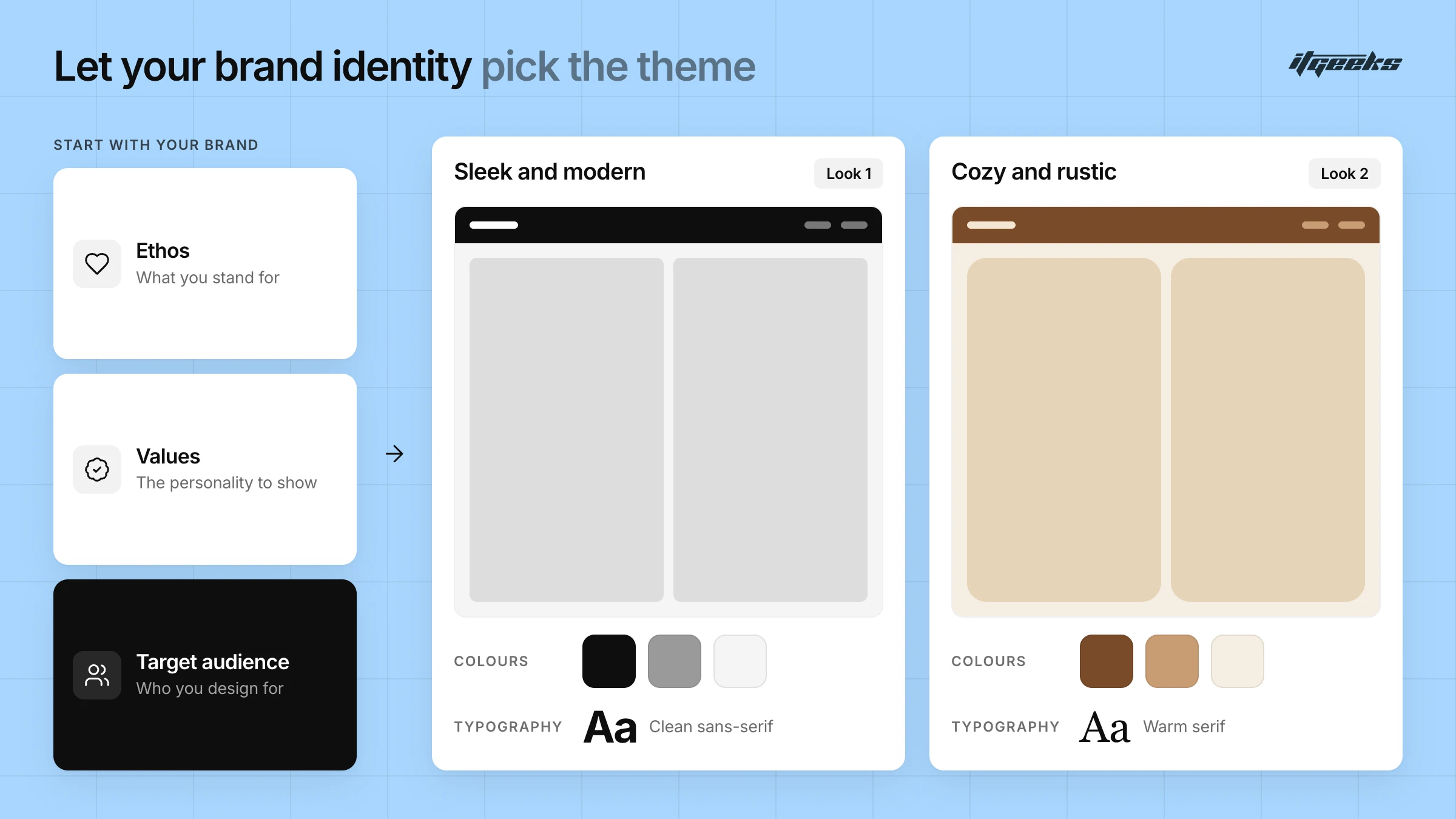
Before diving into the vast array of Shopify themes available, it’s imperative to have a clear understanding of your brand identity. Your theme should seamlessly align with your brand’s ethos, values, and target audience. Consider elements such as color schemes, typography, and overall design aesthetics that resonate with your brand’s personality. Whether you’re aiming for a sleek and modern look or a cozy and rustic vibe, understanding your brand identity will guide your informed theme selections.
Your catalog matters just as much as your brand. A store with a handful of products needs a different layout from one with thousands, which relies on strong search, filtering and navigation. The Shopify Theme Store lets you filter themes by industry and by catalog size, which is a quick way to build a first shortlist.
Prioritizing Functionality
While aesthetics are undoubtedly important, prioritizing functionality is paramount when choosing the best Shopify theme. Evaluate the features and capabilities offered by each theme, ensuring they align with your store’s requirements. From mobile responsiveness and navigation ease to product showcase options and customization flexibility, prioritize themes that offer a seamless blend of aesthetics and functionality. Remember, a visually stunning theme is only effective if it enhances the overall user experience and facilitates smooth navigation for your customers.
Features to prioritize when choosing a Shopify theme
Write your must-have list before you browse, then compare each shortlisted theme against it. For most stores, the list looks like this:
Mobile responsiveness. Shopify requires every Theme Store theme to be mobile responsive, but still open the preview on your own phone.
Navigation and product discovery. Search, filtering, sorting and a mega menu matter most for larger catalogs.
Product page tools. Image galleries, zoom, product video, size charts and color swatches help shoppers decide.
Conversion features. Look for a slide-out cart, quick view, recommended products and promo popups that you can switch on or off.
App compatibility. Theme Store themes must support Online Store 2.0 “sections everywhere” and app blocks in the main product section, so apps can be added without editing code.
Considering User Experience
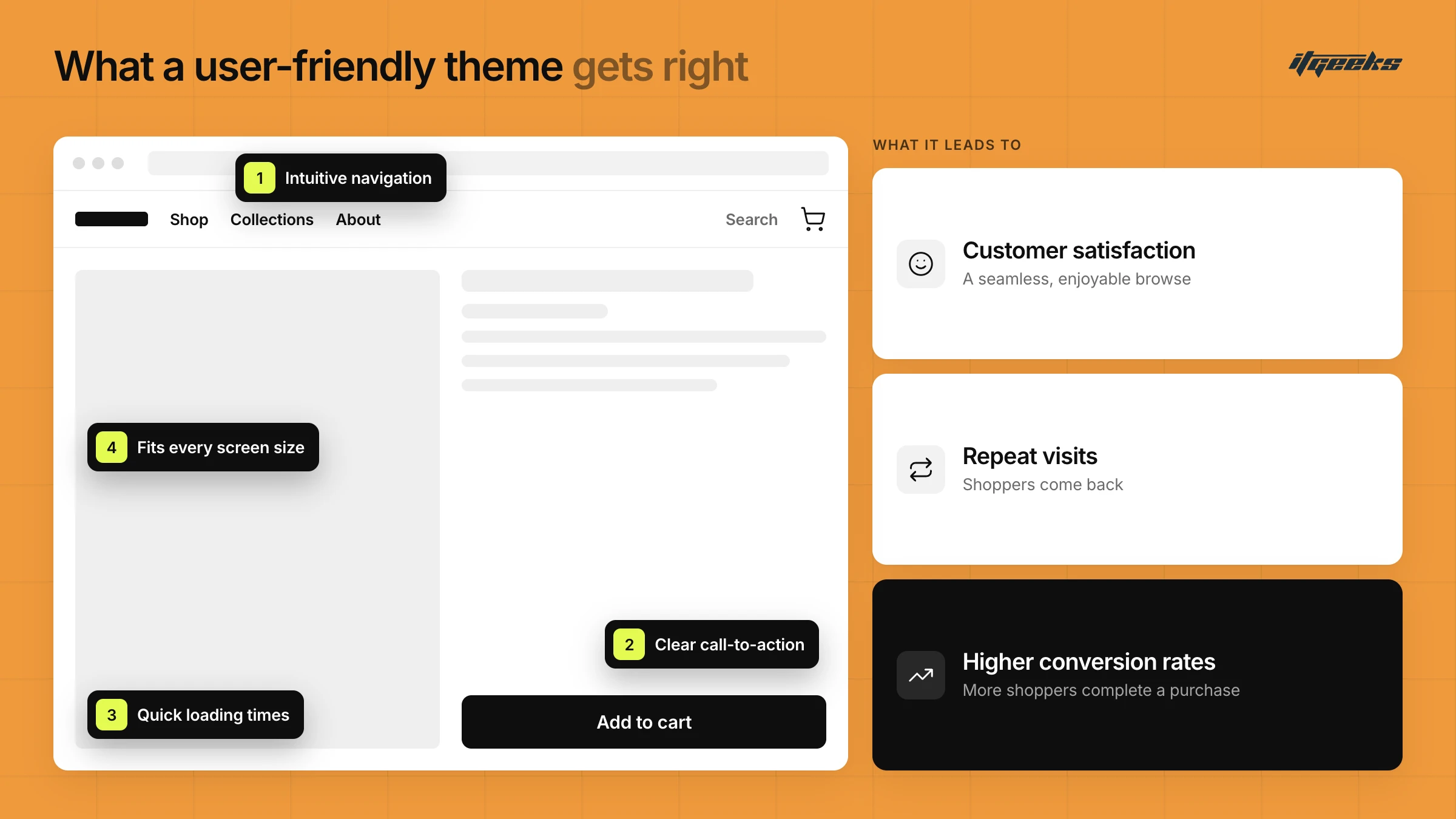
In the realm of online retail, user experience reigns supreme. A Shopify theme that prioritizes the user experience can significantly impact your store’s success. Optimize for themes that offer intuitive navigation, clear call-to-action buttons, and quick loading times. Additionally, ensure compatibility across various devices and screen sizes to cater to the diverse preferences of your audience. A seamless and enjoyable browsing experience not only fosters customer satisfaction but also encourages repeat visits and boosts conversion rates.
How to check a Shopify theme’s speed and accessibility
To be accepted into the Theme Store, a theme must score an average Lighthouse performance score of at least 60 across the home, product and collection pages, and at least 90 for accessibility, according to Shopify’s Theme Store requirements. Treat those as minimums rather than a promise of a fast store.
Your real speed also depends on your images, fonts and installed apps. Test the theme’s demo or your own preview with real products, then watch Google’s Core Web Vitals. Google recommends a Largest Contentful Paint within 2.5 seconds, an Interaction to Next Paint of 200 milliseconds or less and a Cumulative Layout Shift of 0.1 or less, measured at the 75th percentile of page loads. Shopify’s theme performance guide also recommends removing unused app and tracking scripts. For a deeper look at how layout affects sales, see our guide to designing a high-converting Shopify homepage.
Evaluating Customization Options
Every eCommerce venture is unique, and your Shopify theme should reflect that individuality. When choosing a theme for your online store, it’s essential to evaluate its customization options thoroughly. Look for themes that allow you to fine-tune everything, from color palettes and typography to layout structures and additional features. Prioritize themes that offer extensive customization capabilities, enabling you to mold the design to fit your brand’s identity seamlessly. This flexibility helps your store stand out from the competition in the crowded digital landscape while also ensuring a unique storefront.
Test this before you pay. Shopify lets you preview a paid theme in your admin and customize it in the theme editor, and your changes are kept if you later buy it. You cannot edit the theme code while the theme is on trial. If the settings do not give you the layout you need, a developer can extend the theme through our Shopify website development service.
Assessing support and updates
Establishing a thriving online store necessitates continuous support and upkeep. When considering a Shopify theme, it’s imperative to gauge the level of assistance provided by the theme developer. Optimize for themes that offer prompt updates and responsive customer support channels to swiftly address any compatibility or technical concerns. Furthermore, prioritize themes that remain compatible with the latest Shopify updates to guarantee seamless integration and peak performance of your online store.
Know who supports what. Shopify supports its own free themes, while a paid theme comes from a third-party developer who is your main support contact, as described in Shopify’s theme support documentation. Theme developers do not provide customizations, so for those you would hire a Shopify Partner. Theme Store developers must publish documentation and a public support contact form, and must reply to merchants within two business days.
Before you buy, read the theme’s reviews and its update notes on the listing. After installing, you can reach the documentation and support from your admin by going to Online Store, selecting Edit theme, clicking the theme name and choosing View documentation or Get support.
Free vs paid Shopify themes, and how to try before you buy
Both free and paid themes are available in the Shopify Theme Store. You can preview a paid theme in your admin before paying, but you can only publish a theme you have purchased. Each purchase is licensed to the store where you bought it, and purchases are final sale, so test the theme with your own products first.
A few practical points from Shopify’s themes help page:
You can preview up to 19 paid themes at once, which makes side-by-side comparison easy.
A theme’s licence is exclusive to the store where it was purchased.
Refunds cannot be provided by the theme developer, because Theme Store purchases are final sales.
On price, the paid themes shown on the Theme Store home page at the time of writing (October 2026) ranged from $100 to $420. Check the listing for the current price. Our Shopify store setup guide shows where theme selection fits in a full launch.
When a theme is not enough: custom design and development
A ready-made theme is the fastest route for many stores. If you have a very large catalog, complex merchandising or a brand experience that settings cannot deliver, a tailored build may serve you better. Our team offers Shopify website design and website development, and can also improve an existing theme through conversion rate optimization. If you are unsure whether to customize a theme or go custom, read why you need a Shopify developer and designer.
The Igloo Shopify Theme: A Game-Changer for Your Online Store
Among the myriad of Shopify themes available, the Igloo Shopify theme is one we know well, because it is built by ITGeeks. According to its Shopify Theme Store listing, Igloo is a paid theme for bold brands selling adventure gear and lifestyle essentials, priced at $100 as a one-time payment (checked October 2026). The listing shows three presets, Igloo, Drift and Bella, and 47 reviews that are all positive.
The most recent version on the listing, 3.0.0, was released on April 27, 2026 and adds Combined Listings, Extended Variants, Nested Cart Lines and a Custom Section. Whether you’re launching a new online store or revamping an existing one, Igloo gives you a flexible starting point that you can grow with.
View the Igloo theme on the Shopify Theme Store
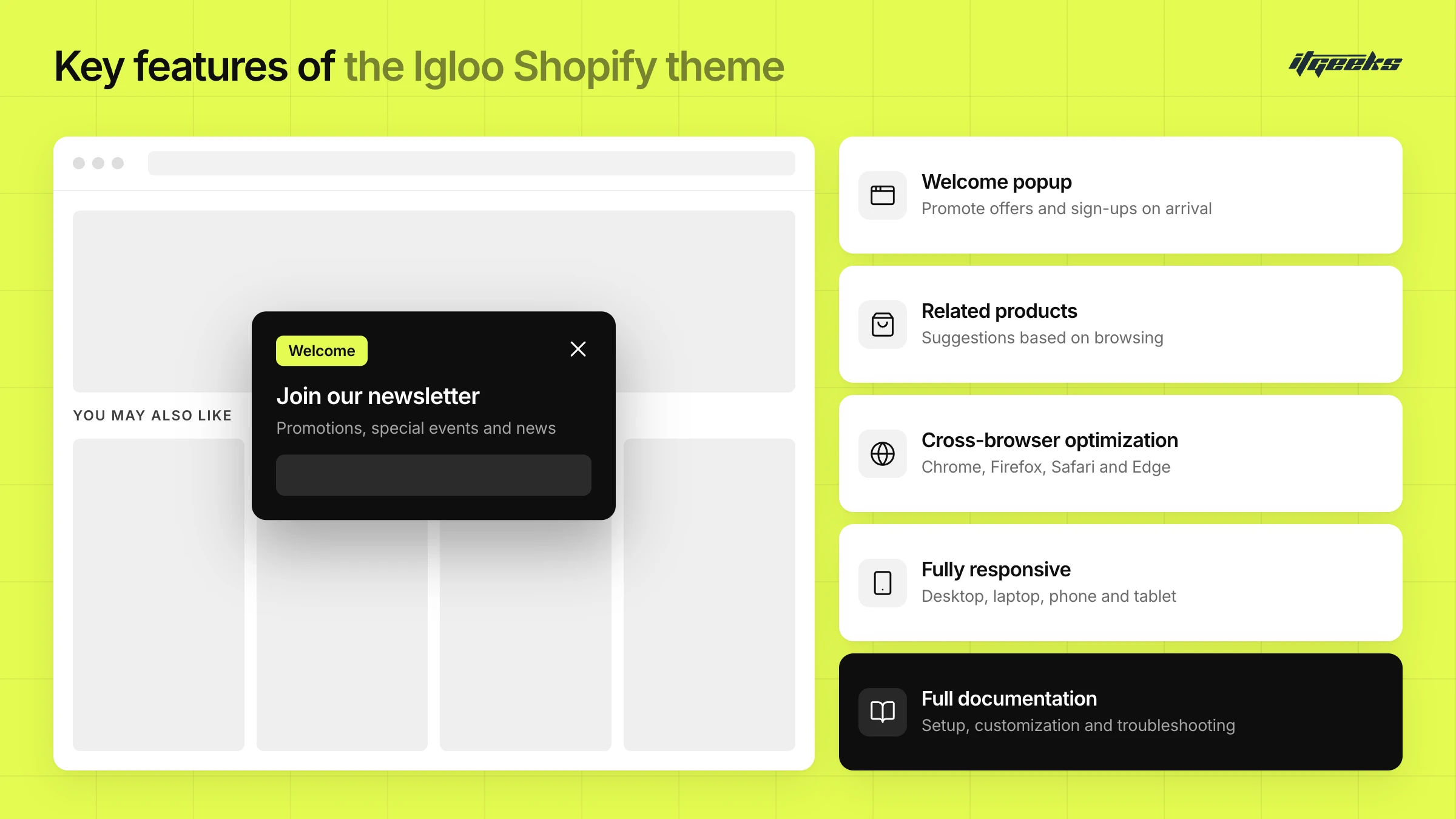
Key Features of the Igloo Shopify Theme
Welcome Popup Integration
Enhance your website’s engagement strategy with a promo popup, which the Igloo listing includes under its marketing and conversion tools. This tool serves as a dynamic introduction to visitors, offering opportunities to showcase promotions, announce special events, or encourage newsletter subscriptions. By seamlessly integrating a welcome popup into your website, you can capture your audience’s attention from the moment they arrive, fostering a positive first impression and increasing overall user engagement.
Related product recommendations:
The Igloo Shopify theme includes recommended products, cross-selling and recently viewed products. By showcasing relevant items, you can increase cross-selling opportunities and encourage repeat purchases, ultimately boosting sales and customer satisfaction.
Cross-Browser Optimization:
Ensure a seamless browsing experience for all visitors, regardless of their preferred web browser. Shopify requires Theme Store themes to support recent releases of Chrome, Firefox, Safari and Edge on desktop, plus Safari, Chrome and Samsung Internet on mobile. As a Theme Store theme, Igloo is built to that standard. By eliminating compatibility issues, you can reach a wider audience and enhance accessibility, maximizing the effectiveness of your online store.
Fully Responsive:
In today’s mobile-centric world, responsiveness is non-negotiable. Shopify requires every Theme Store theme to be mobile responsive, so your website will adapt to desktops, laptops, smartphones and tablets. Your customers enjoy a consistent and optimized viewing experience, driving engagement and facilitating seamless transactions.
Well Documentation:
The Igloo listing links to its theme documentation, and Shopify requires Theme Store developers to provide documentation and a public support form. From installation and setup instructions to customization tips, the documentation helps you make the most of your theme. Whether you’re a novice or an experienced developer, it streamlines the process and helps you unlock the full potential of your online store.
More features on the listing
The Igloo listing also lists quick buy and quick view, a slide-out cart, cart notes, in-store pickup, a mega menu, enhanced search, product filtering and sorting, image zoom, product videos, size charts, color swatches, lookbooks, trust badges and a countdown timer. Check the listing for the latest feature list before you buy.
Conclusion
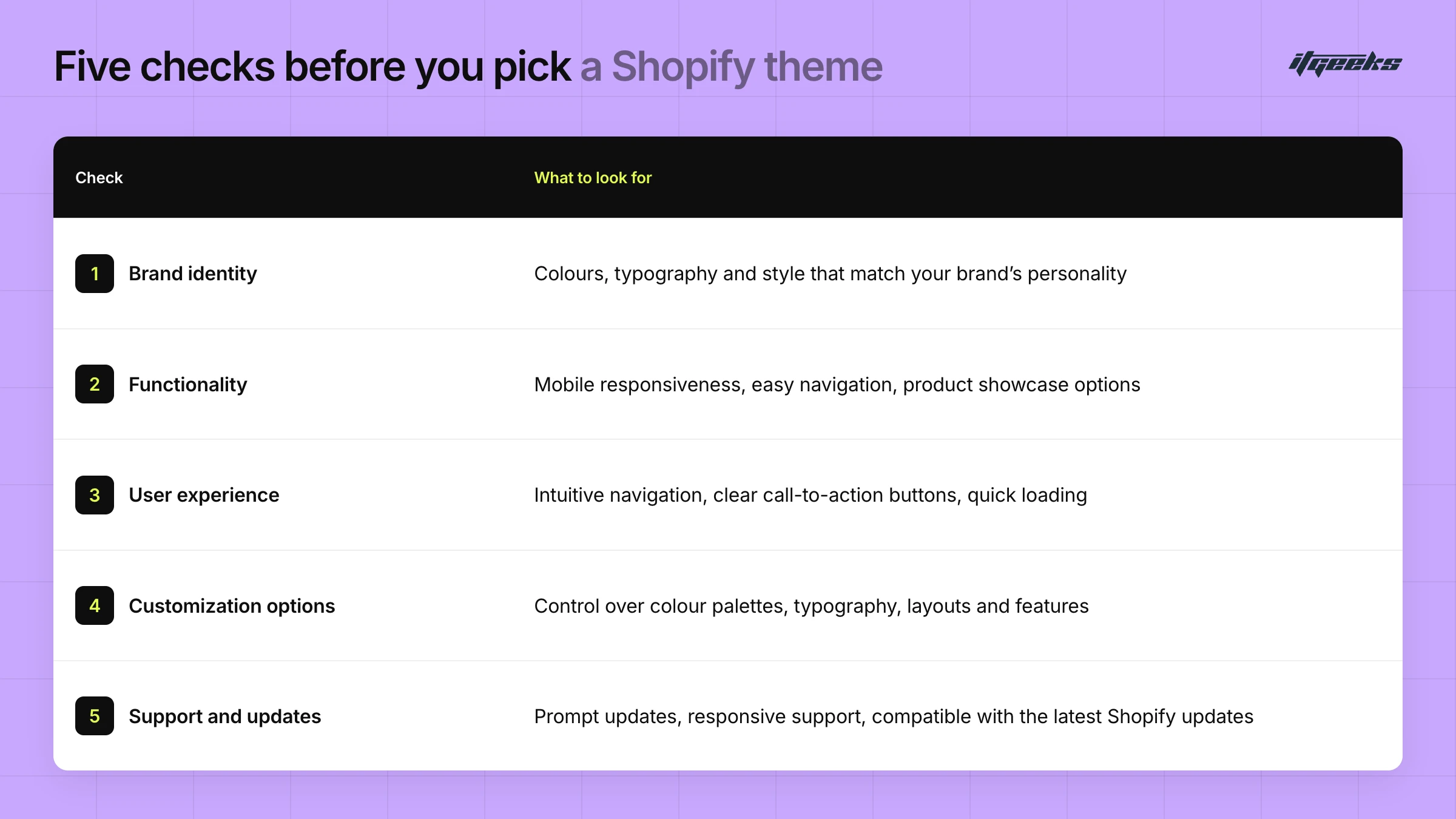
Choosing the best Shopify theme for your online store is a pivotal step toward unlocking success in the competitive world of e-commerce. By prioritizing elements such as brand identity, functionality, user experience, customization options, and support, you can ensure that your store stands out amidst the digital crowd. Preview your shortlist in your own admin, test it on mobile, and check who will support it. Igloo is one option worth adding to that shortlist as you embark on a path towards e-commerce excellence.
If you would like help choosing, customizing or building a theme, contact the ITGeeks team.